
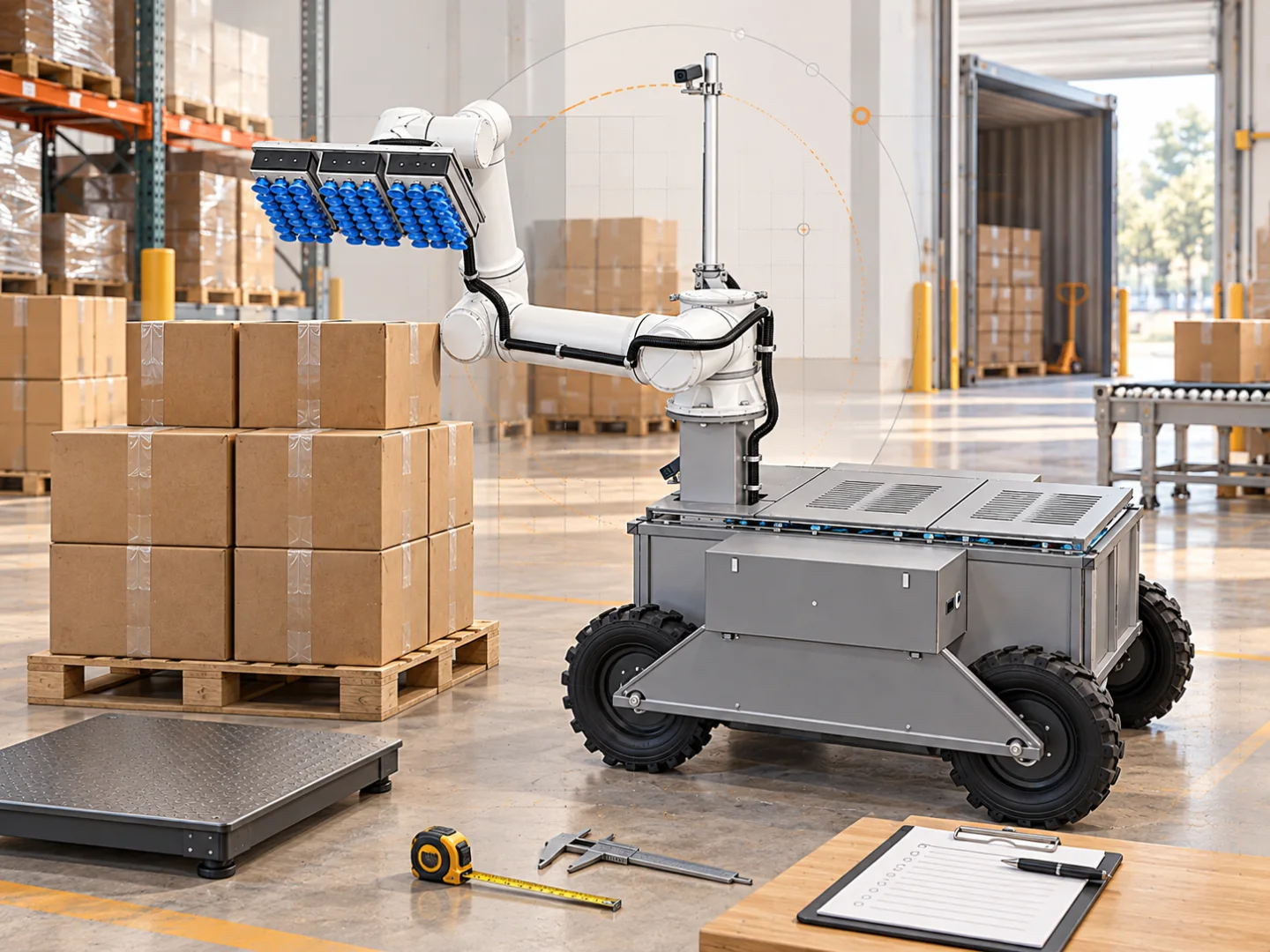
The quality of a robotics pilot depends on how clearly the current operation is understood before testing begins. Without a baseline, a team can prove that a robot picked boxes but struggle to explain whether it improved dock performance or could support a larger volume.
Data collection does not need to become a multi-month project. A small, representative set is enough to start when every number has a clear definition.
1. Annual and weekly volume
Collect more than the total number of containers. The distribution of work determines required automation capacity:
- containers or trailers per year;
- normal and peak weekly volume;
- arrivals by weekday and shift;
- seasonal peaks;
- urgent or unplanned arrivals;
- share of loads that must be unloaded immediately.
An annual average may look suitable even when most freight arrives across two peak days. In that case, capacity during a specific operating window matters as much as yearly robot utilisation.
2. Process time for each load
For at least several weeks, capture consistently defined timestamps:
- vehicle arrival at the dock;
- door opening and safety check;
- start of active unloading;
- start, finish, and reason for each stop;
- removal of the final package;
- release of the dock.
These points separate active work from waiting. If a full conveyor or receiving process regularly stops the unload, faster extraction from the container will not solve the whole constraint.
3. Package and loading profile
A SKU list is not enough to establish robot eligibility. Different packaging for the same SKU can behave differently. Record:
- carton dimensions and weight ranges;
- board type and surface condition;
- tape, labels, holes, and deformation;
- share of open boxes, sacks, and other objects;
- how tightly freight is compressed;
- packages positioned at walls, ceiling, and floor;
- frequency of inbound damage.
Connect each profile to its frequency. One difficult package seen monthly has a different effect from a carton that represents one third of inbound volume.
4. Visual evidence with context
Short photographs or videos help describe loading patterns, but they must be collected responsibly. Agree who may record, where files will be stored, and how workers or confidential labels will be kept out of frame.
Label every sample with container type, date, freight profile, and whether it is considered normal. A clean photograph of the front package wall is not automatically representative evidence.
5. Human work and current cost
Capture time for everybody involved: unloaders, shift leads, forklift drivers, and people handling exceptions or damage. Use the complete employer cost per hour or the actual contractor fee in the financial baseline.
Record separately:
- overtime;
- temporary labour;
- additional sorting and repacking;
- waiting caused by occupied docks;
- other work the team cannot perform during unloading.
This reveals where value may be created. Not every robot minute saved turns directly into cash savings.
6. Dock and integration conditions
Prepare a simple site plan with dimensions and photographs. Include doors, dock edge, guards, columns, conveyor, pedestrian and vehicle routes, power points, and network availability.
Describe where each package goes after unloading. If the downstream conveyor or sortation point cannot accept the flow, that limitation belongs in the pilot design.
7. Safety and exception history
Collect anonymised information about incidents, near misses, collapsing package walls, and freight that regularly needs two people. This helps establish test boundaries and safe-stop scenarios.
Build an initial exception list before the pilot: what the robot should reject, when an operator should be called, and who is allowed to restart the system.
Use a load log with definitions that another shift can repeat
Copy these fields into a spreadsheet. One row describes one load; a separate event sheet records individual stops.
| Field | Unit or format | Definition |
|---|---|---|
| Load and freight profile | Unique identifiers | Connect timestamps, carton samples and photographs |
| Cartons received | Count | All cartons, including excluded or manually completed items |
| Dock preparation and release | Local timestamp with date | Mark the same operational boundary on every shift |
| Active unload | Minutes | Time extracting cartons within the agreed definition |
| Stops | Minutes plus reason | Identify receiving waits, freight exceptions and technical events |
| Labour | Person-minutes by activity | Sum each participant’s actual time; retain overlapping work |
| Damaged or rejected cartons | Count plus disposition | Distinguish inbound damage from damage occurring in the test |
Hypothetical log check: three people spend 120 minutes unloading, while a forklift driver contributes 20 minutes. Total labour is 3 × 120 + 20 = 380 person-minutes, or 6.33 person-hours. Elapsed unload time remains 120 minutes if the forklift work overlaps. Adding 20 minutes to elapsed time would confuse labour with duration.
Reconcile carton counts with the receiving record and inspect missing timestamps before averaging. Keep unusual loads in the dataset with a reason code. Removing every difficult day would produce a baseline that understates the operation’s variation.
The freight screening guide defines coverage; the pilot checklist turns this log into an acceptance plan.
Create one dependable test pack
The final pack can remain simple: a volume table, measurements from 10–20 loads, a summary of package profiles, several authorised visual samples, and a dock plan. Give every field a source, unit, and time period.
This is enough to choose a representative pilot, agree success measures in advance, and compare the result with an actual operational baseline instead of intuition.
- automation data
- robotics pilot
- operational baseline
KRONA U1 unloads boxes from containers onto pallets or conveyors and also loads containers with boxes from pallets or conveyors. Explore KRONA U1 →
Plan a pilot